How WPadmin.AI Works
Once setup is complete, WPadmin.AI Premium lets you describe your task in plain words. The AI plugin can finish many WordPress tasks in just a few minutes, with very few button clicks and no coding or technical skill needed.
Start a New Task From WordPress
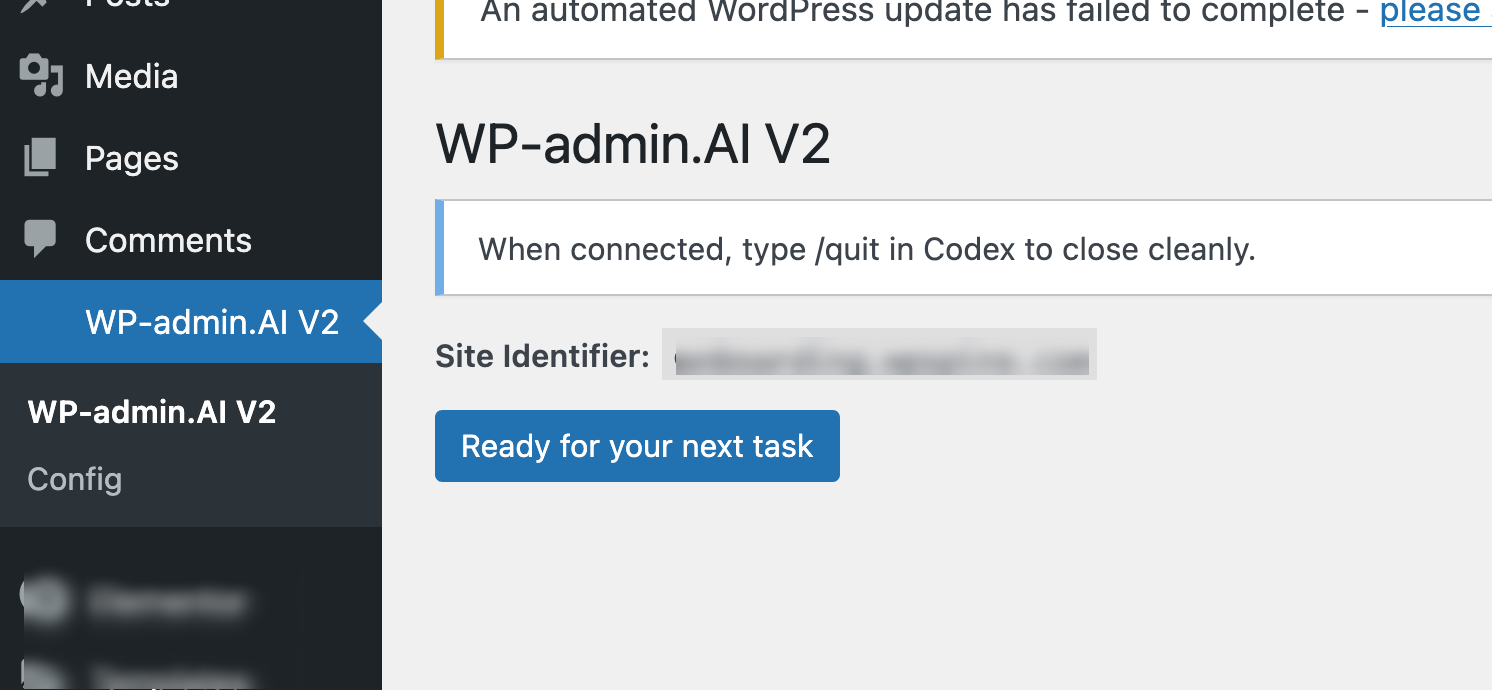
The WPadmin.AI Premium page lives inside your WordPress dashboard. Click the main button when you want WPadmin.AI to start working on a new website task.
Describe What You Need Done
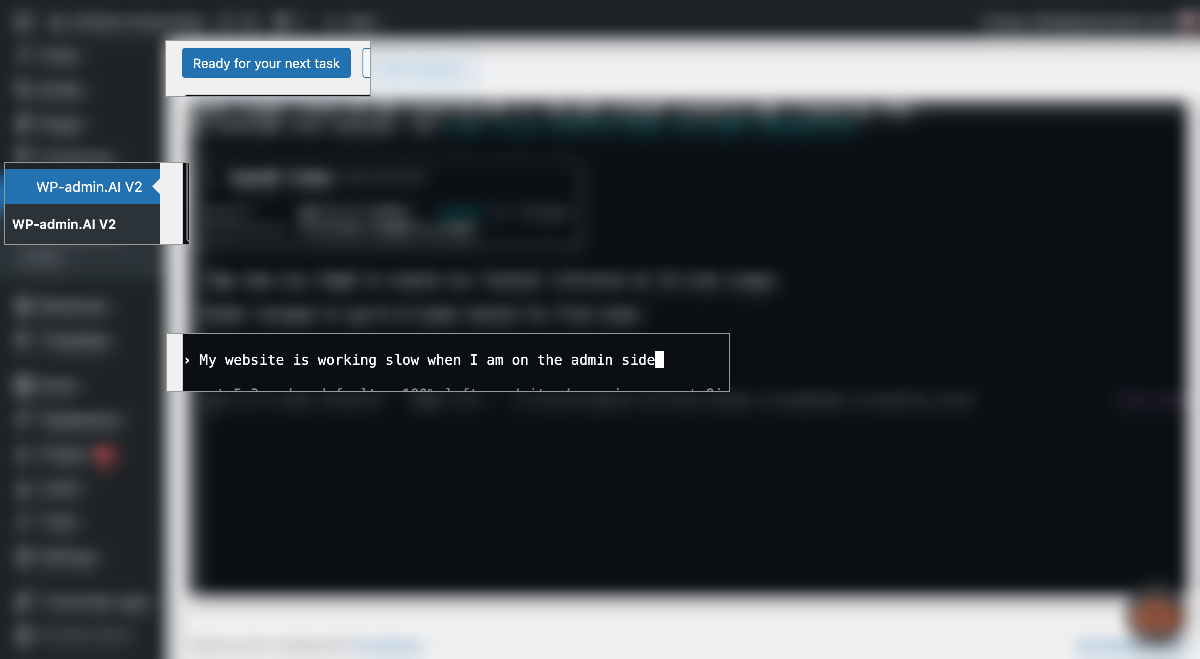
Write the task like you would explain it to a WordPress developer. Tell WPadmin.AI what to fix, build, change, or customize.
Answer Any Scope Questions
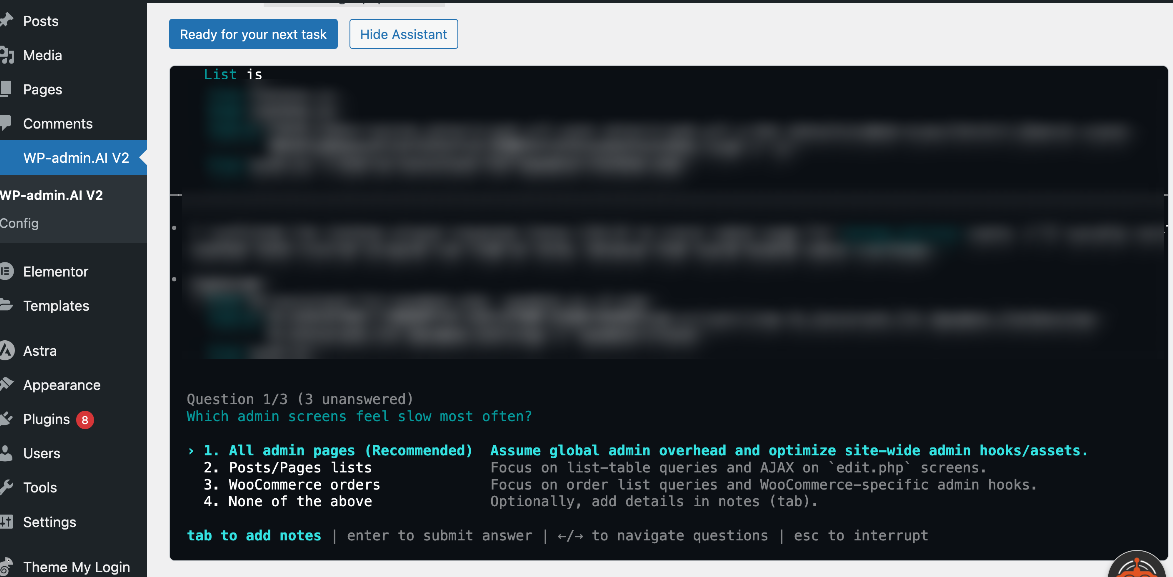
If WPadmin.AI needs more detail, it asks questions before touching anything. This helps avoid guessing and keeps the work aligned with what you want. You can use the keyboard arrow keys and the Return or Enter key to choose answers quickly.
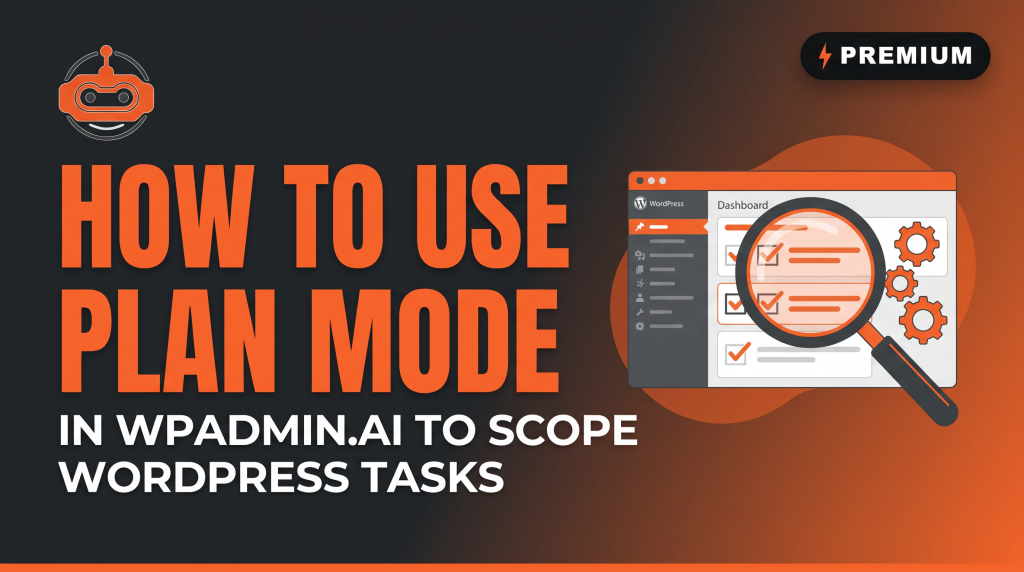
Review the Plan Before Work Starts
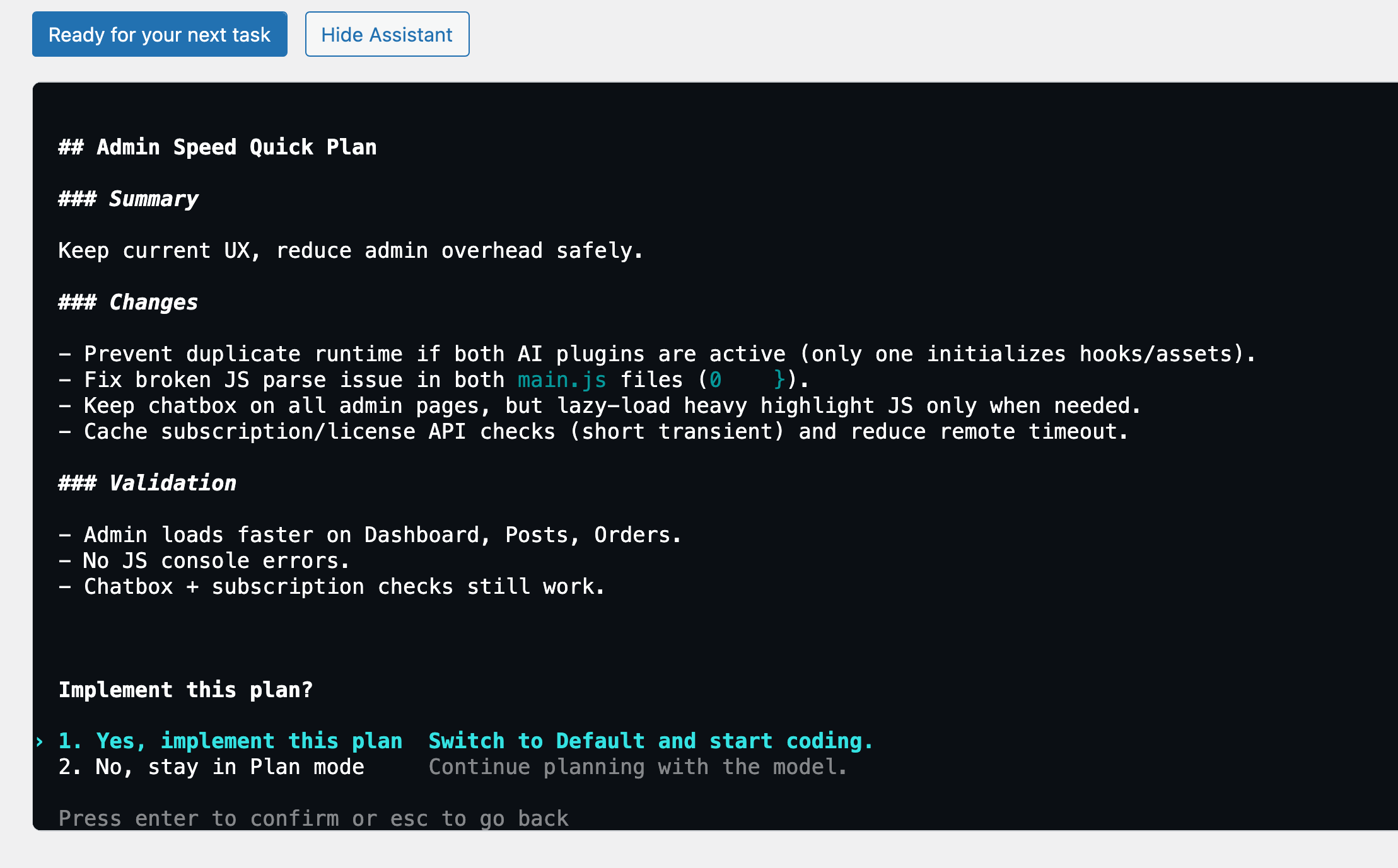
WPadmin.AI prepares a clear plan and asks you to approve execution or request changes. You stay in control before the task moves forward.
Review What Changed
When the task is complete, WPadmin.AI explains what changed. You can test it, ask for edits, or approve pushing to live website.
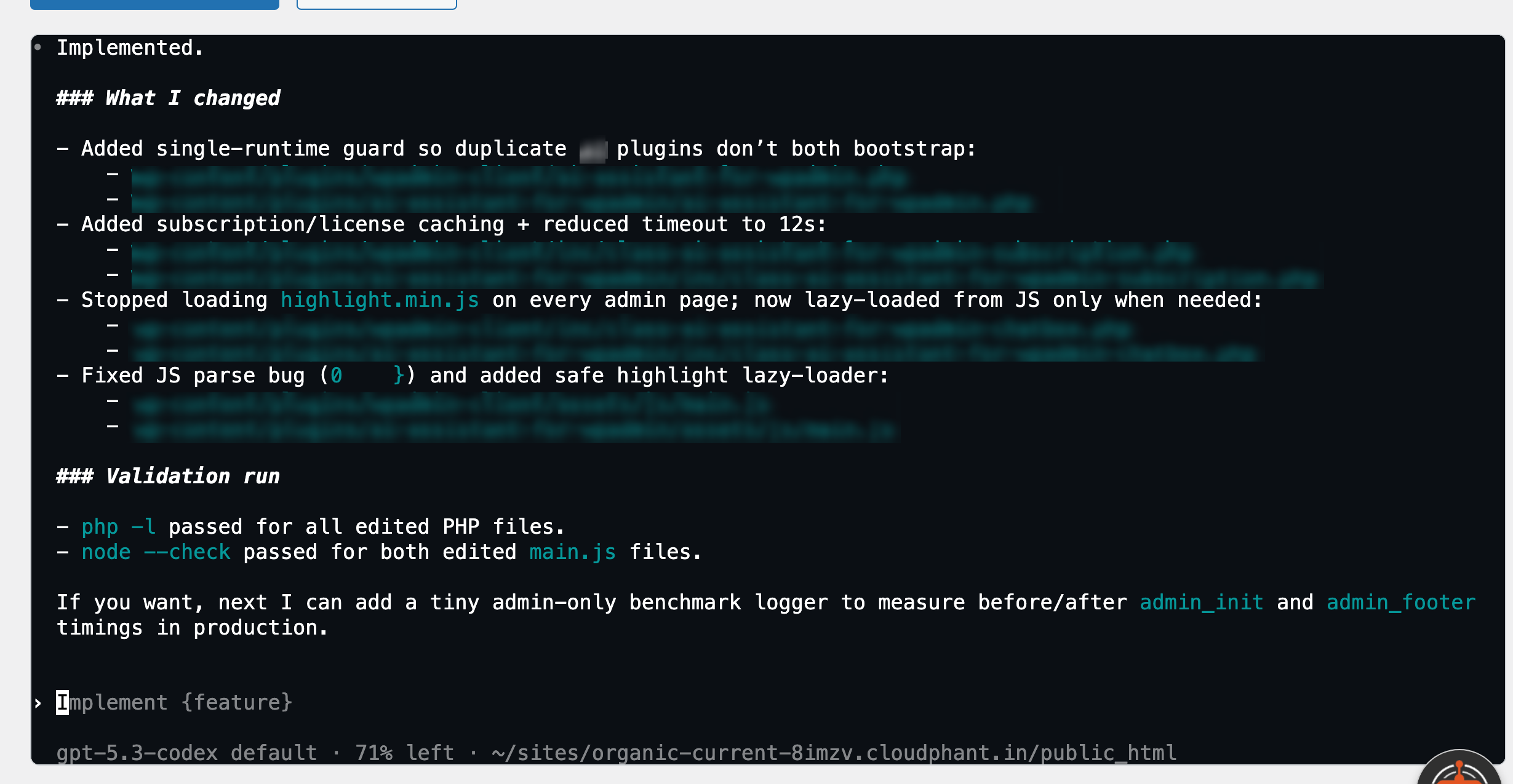
Your live site stays untouched while work is prepared.
WPadmin.AI doesn't touch your live site. It works on a private test copy of your website first — so you see the change, approve it, then decide if it goes live.
Plain-language WordPress tasks are the starting point.
You do not need to know the technical fix. Describe the problem or a change - the same way you would explain it to a developer.
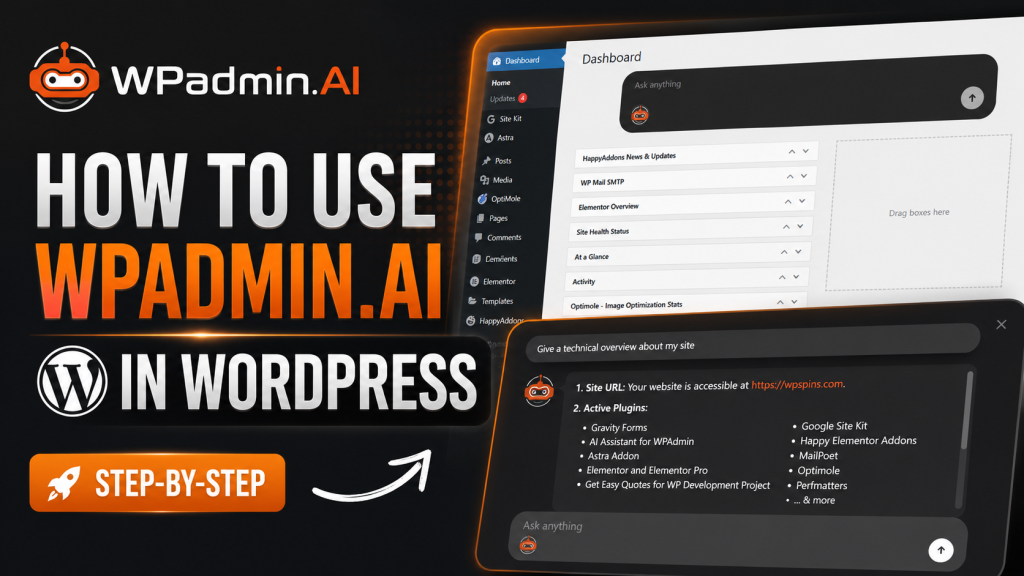
Watch how to operate WPadmin.AI
These short video guides show how to describe a task and help WPadmin.AI understand what you want.
You ask the AI plugin to move it to your live website. Simple.
When you are happy with the work done on the staging site, you simply ask WPadmin.AI to deploy it on your live website. WPadmin.AI moves only the specific approved changes from your staging site to your live site — nothing else. Your live site stays untouched until you say so.
Questions people ask before their first task
Ready to try it?
Download the plugin, pair your WordPress site, and review completed work on a safe staging/test site before pushing to live website.