WPadmin.AI at AI Tech & Startup Night in Toronto
TL;DR
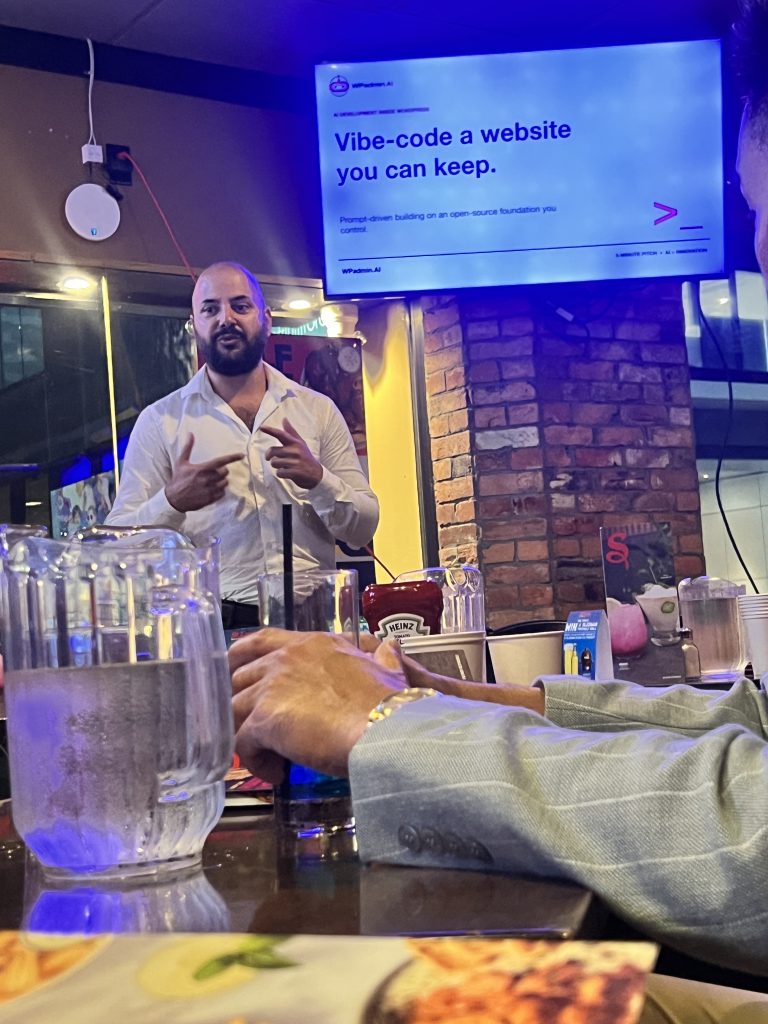
At AI Tech & Startup Night in Toronto on September 2, 2026, my five-minute WPadmin.AI pitch became an audience-requested live demo. I showed how a business description, a logo, and a few clarifying answers could start a WordPress website build with Claude, while keeping the work on a site the owner controls.
Key Takeaways
- WPadmin.AI brings AI website requests to WordPress while keeping the created pages and content on your site.
- Attendees and the host asked for a live demo after the five-minute introduction.
- Confirming the business information and answering clarifying questions came before building the pages.
A five-minute pitch in Toronto
On September 2, 2026, I joined AI Tech & Startup Night in Toronto, hosted by Nomad Global Hub. I was there to give a five-minute introduction to WPadmin.AI and a question that matters to business owners: can you build a website with AI without giving up control of it?
My pitch was about bringing plain-language website requests to WordPress. Instead of learning to code before making a change, you can describe what you need to the WPadmin.AI plugin and work through the details from your WordPress dashboard.
It was another opportunity to show the product in person, following our live demos at WordCamp US 2026. This time, a short pitch turned into a longer, audience-requested demonstration.
Building with AI while keeping control
AI website builders make it easier to start a site. My concern is what happens after that: can you keep editing it, choose your hosting, and get help from someone else when your needs change?
Different platforms have different export and hosting options. With WordPress, you have an open-source foundation and a choice of where to host it. WordPress explains these freedoms and data ownership in its own feature guide.
That is the idea behind WPadmin.AI: use AI to help build and change a WordPress website, while keeping the work on your site. Removing the WPadmin.AI plugin does not remove the pages, content, or generated site files already created. Further AI assistance needs the service, and features built with other themes, plugins, or services may still depend on them and their terms.
When the pitch became a live demo
After the introduction, attendees and the host asked to see more. I used WPSPINS as the example business and showed how a website request could start with basic information: what the business does and where to find its logo.
Using Claude through WPadmin.AI, I answered the questions needed to make the request clear. It also gathered publicly available information about the business and presented it for me to confirm before proceeding.
Once those details were agreed, it started building the requested website, including Home, About, Services, Contact, and Client Testimonials pages. I made the request and answered questions in plain language, without writing code during the demonstration.
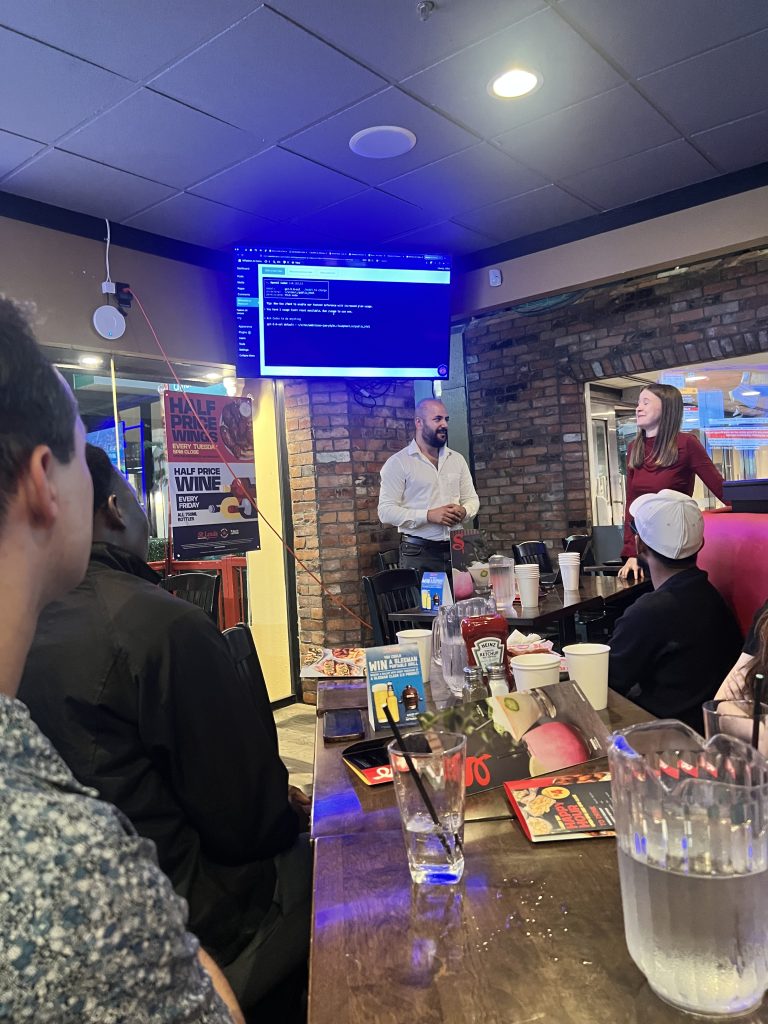

The useful part was not just that AI could begin building pages. It was that we could clarify what belonged on them before the work started. If you would like a closer look at that kind of request, see how to build a WordPress page with an AI prompt.
The pitch deck
Here is the presentation I used in Toronto. It covers the difference between launching a website and running it over time, and why ownership matters when choosing an AI website builder.
Sharing the experience with Rajbir
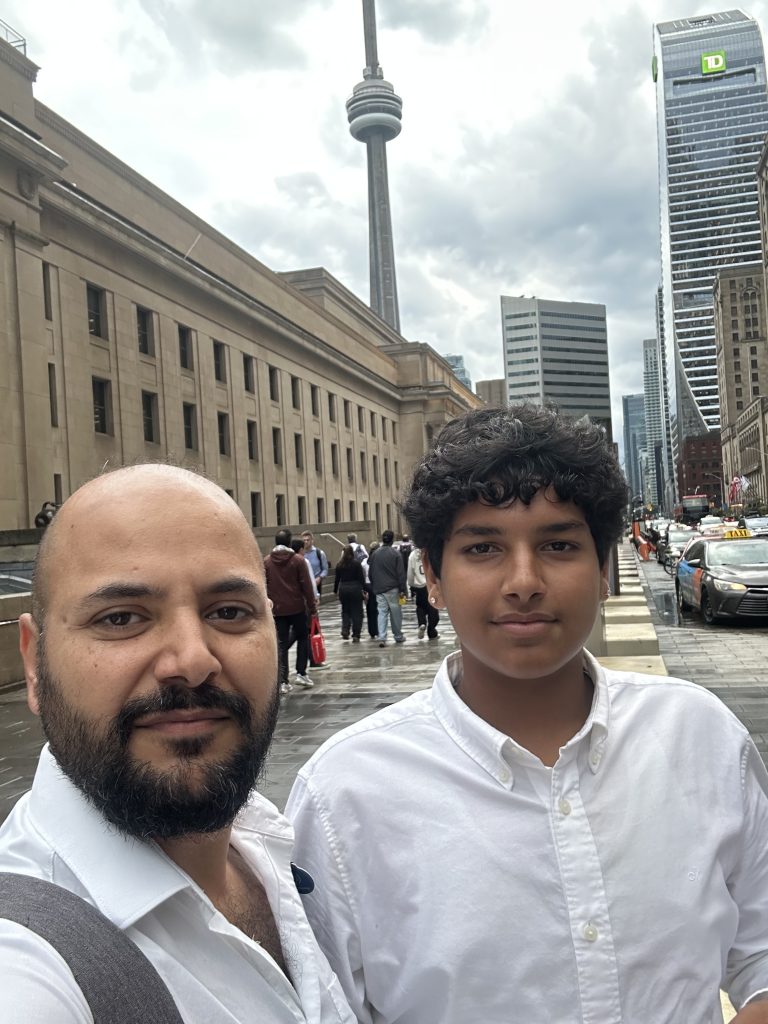
Rajbir Singh, a teenager interested in entrepreneurship, joined me for the visit. He helped during the presentation and met people with different backgrounds and skills who shared an interest in building businesses.
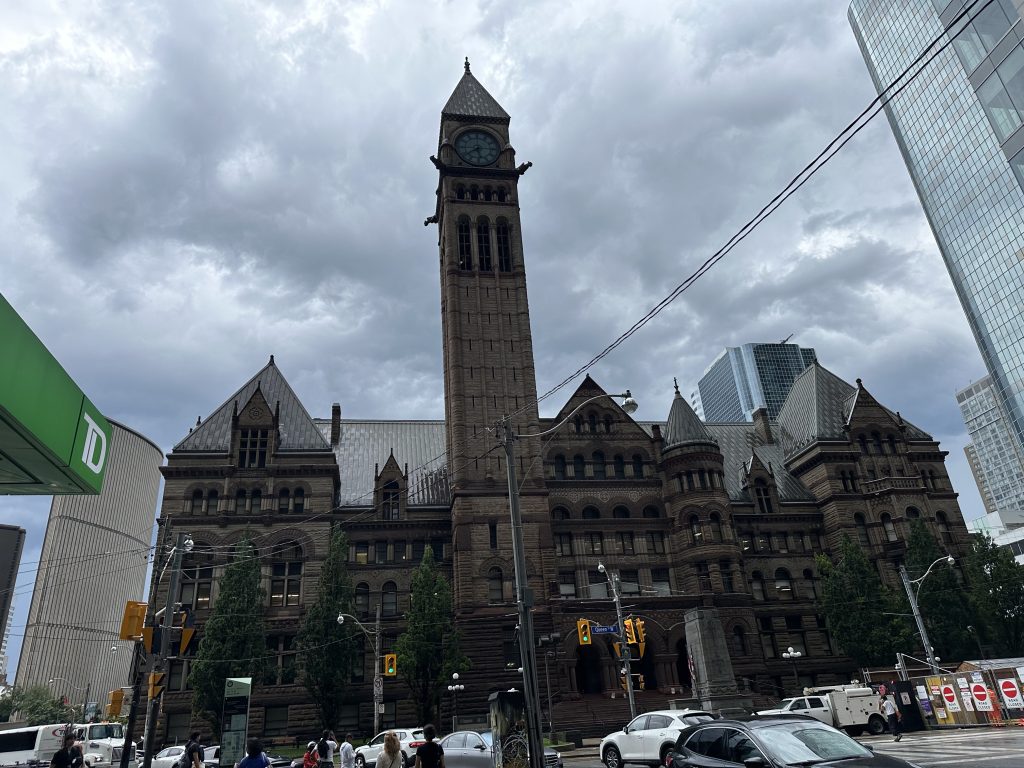
We also had time to explore Toronto around the event. These photos capture a few moments from the trip, beyond the presentation itself.


Want to build a WordPress website with AI and keep control of it?
Download now