Get answers about your site
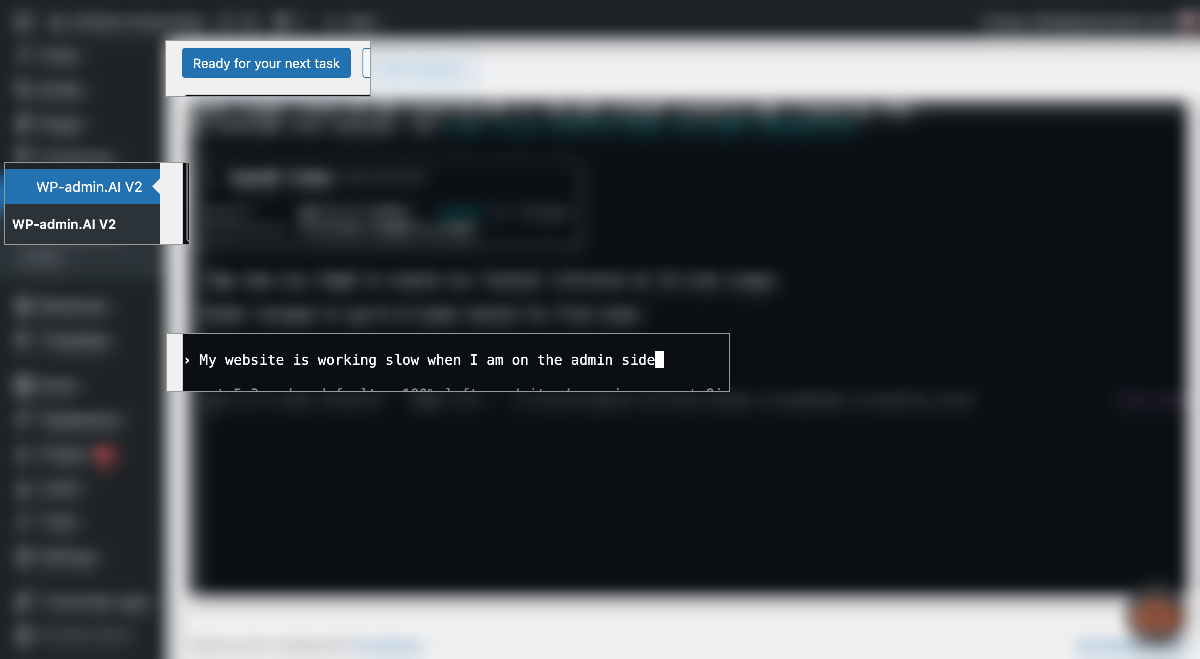
Ask how something works, where a setting lives, or what changed. WPadmin.AI can use the context of your WordPress site to help.
Supports Content, Plugin, Themes, and Troubleshooting
 Limited WCUS offer. No card required today. Cancel anytime.
 OpenAI Codex
 Claude Code
Ask how something works, where a setting lives, or what changed. WPadmin.AI can use the context of your WordPress site to help.
Describe an error, broken form, plugin conflict, layout issue, or WooCommerce problem in normal words.
Request page sections, styling changes, configuration help, small features, and custom improvements without writing code.
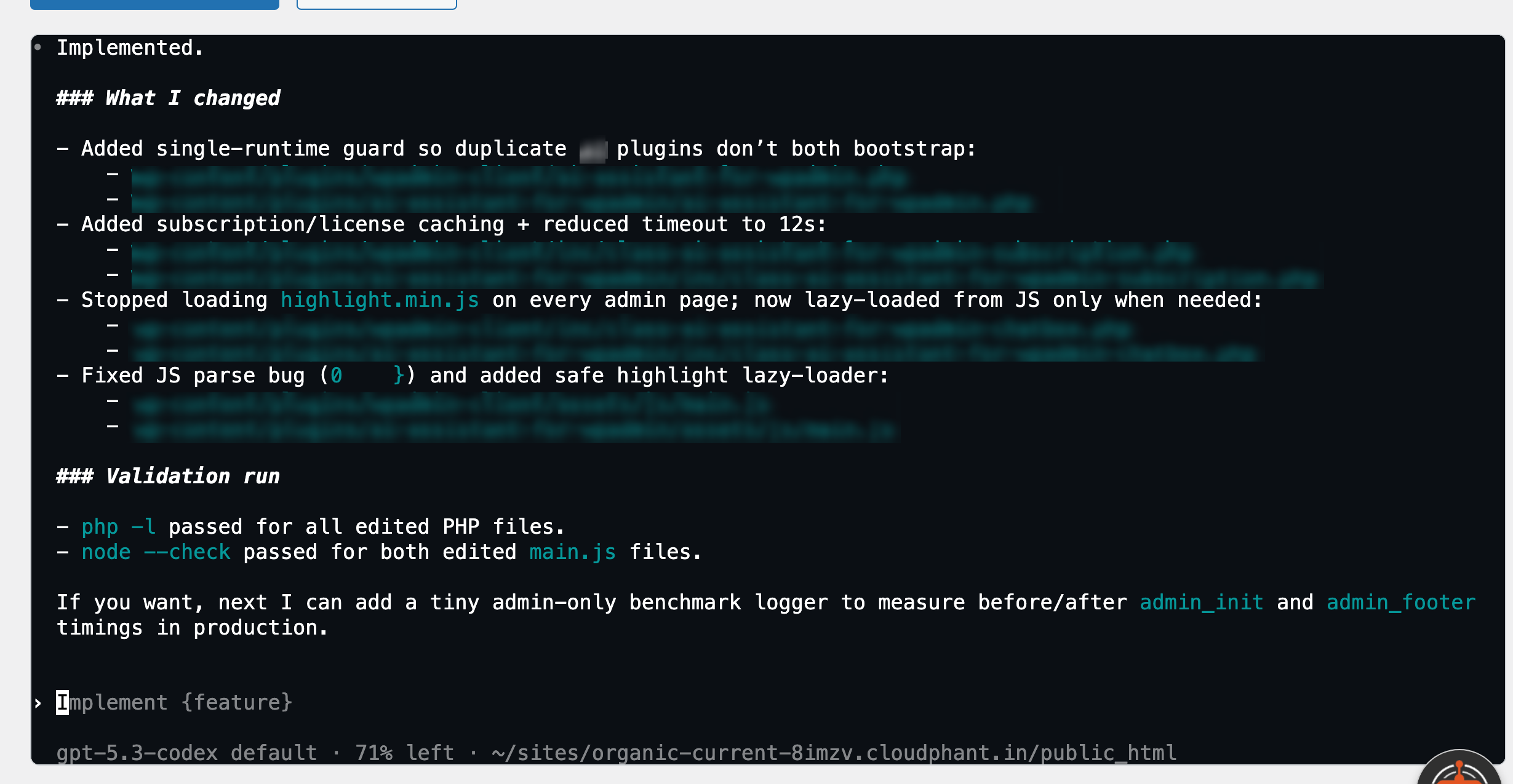
A plugin update leaves a site blank. The site owner explains what happened in one sentence; WPadmin.AI checks the problem and prepares a staging fix for review.
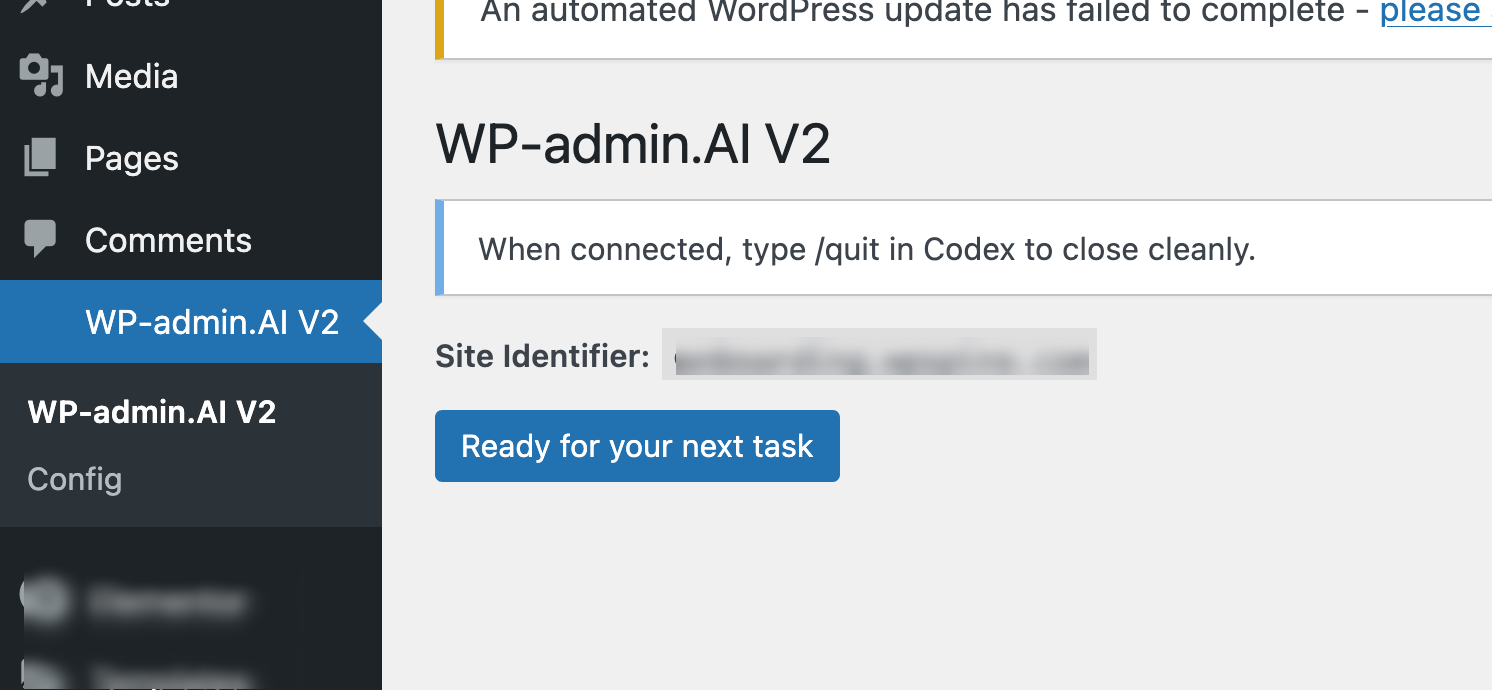
WPadmin.AI works on a staging/test website connected to your live website. This lets you review changes safely before pushing approved work live with one-click Sync.
Use plain language or your local language inside WordPress.
Answer any scope questions, then inspect the completed work on staging.
Ask for revisions or use one-click Sync when you are happy.
Troubleshoot checkout errors, adjust store layouts, configure plugins, and improve customer-facing details.
Investigate conflicts, change templates, configure settings, and work with the tools already installed.
Fix form behavior, add page sections, update styles, and build useful content components.
Understand and improve custom site behavior while keeping the work reviewable on staging.
Ask what is happening on your website and get guidance grounded in the site itself.
Connect your relevant ChatGPT or Claude account when prompted. You remain in control of your account and approvals.
“I used to spend 30 minutes Googling every time a plugin conflict appeared. Now I ask WPadmin.AI and get a step-by-step answer specific to my actual site setup.”WordPress site owner
“WPadmin.AI understood the issue, prepared the fix on a test copy, and let me review the work before anything went live.”WPadmin.AI customer
“As a non-technical site owner, I always felt intimidated by the WordPress backend. WPadmin.AI gave me clear answers and a safe setup when I needed site work done.”Small-business site owner
Start without entering a card. Add a payment method during your free month to continue at $30/month. If you do not add one, we will send reminders and cancel the subscription at the end of the month.
Ask questions about your website or request fixes, builds, configuration help, troubleshooting, WooCommerce changes, plugin and theme work, forms, layouts, and customizations.
Website work is prepared on a staging/test website connected to your live site. You review the result and decide when approved work should move live with one-click Sync.
No. Describe the task in plain language or your local language. WPadmin.AI can ask questions to clarify what you want before work begins.
WPadmin.AI can work with the plugins, themes, and custom code that make up your WordPress site. The staging-first process gives you a safe place to test the result.
Use code WCUS2026 by August 21, 2026. Your first month is $0 and no card is required at signup. Add a payment method during the month to continue at $30/month; otherwise reminders are sent before the subscription is cancelled at the end of the month.
WPadmin.AI connects to your relevant ChatGPT or Claude account when needed. You control that account and the WordPress changes you approve.