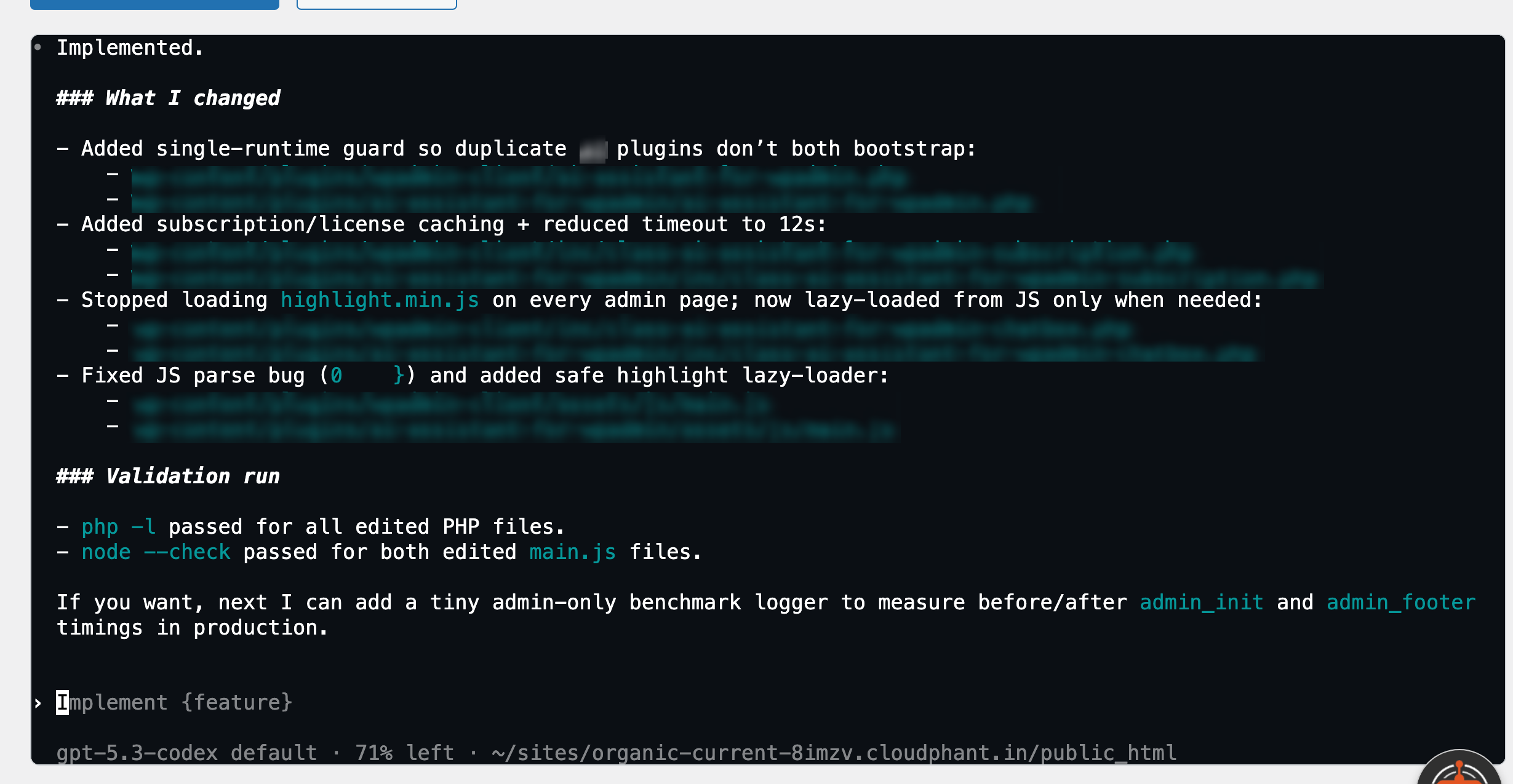
Ask it anything about your WordPress site and get instant answers. Or let V2 take the wheel — it can find what's broken, fix it, and make any change to your website, so you never have to touch the complicated stuff yourself.
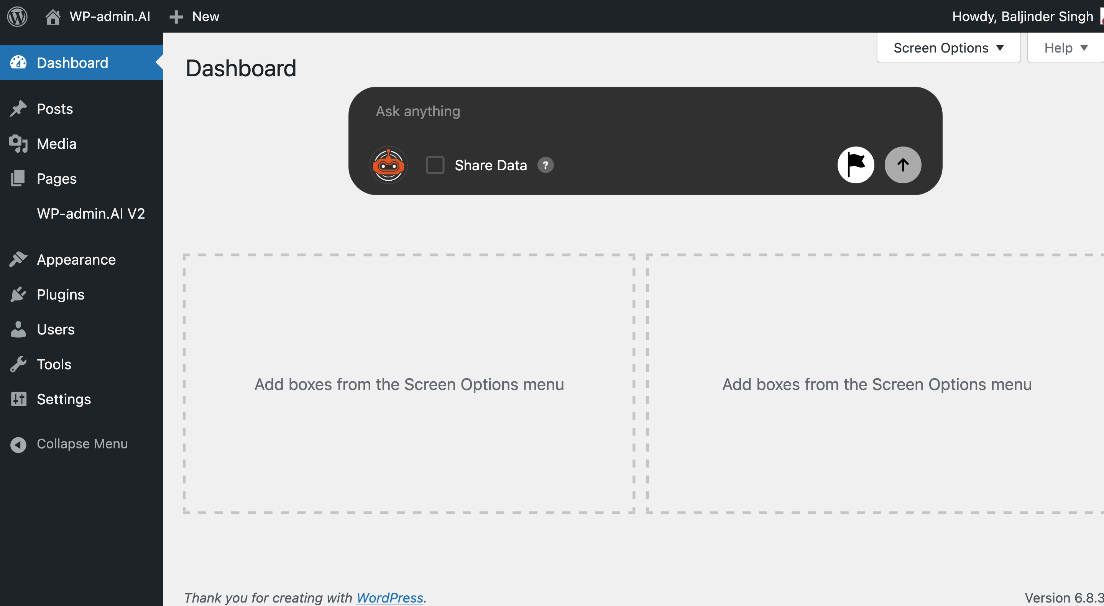
Start with the free plugin and get instant answers inside WordPress. Upgrade to Premium and unlock V2 — a separate plugin that works like having a developer on your team. It can build new features, write code, create plugins and themes, troubleshoot problems, and bring any idea you have for your site to life.
Forget hiring someone every time something breaks or you want a change made. WPadmin.AI V2 logs into your WordPress site and does the work for you — just like a developer would, but instantly.
WPadmin.AI V2 doesn't just tell you what to do — it goes in and does it. Need something changed? Just describe what you want, approve the steps, and it handles the rest. No touching any code required.
V2 ExclusiveWant a new page layout, a custom form, a new section, or a completely new feature? WPadmin.AI V2 can plan it and build it — no developer needed, no waiting, no back-and-forth.
V2 ExclusiveWhen something breaks on your site, WPadmin.AI V2 investigates what went wrong, identifies the cause, and fixes it — the same way you'd expect a developer to after hours of debugging.
V2 ExclusiveHave an idea for how your site should look or work? WPadmin.AI V2 can write and install a custom plugin or theme tailored exactly to what you need — no agency quote required.
V2 ExclusivePremium subscribers get a completely clean experience with zero partner ads — inside WPadmin.AI and across both plugins.
Premium ExclusiveWPadmin.AI V2 comes with everything the free plugin already offers — instant answers to your WordPress questions, guidance on plugins and themes, and troubleshooting help — now with 150 questions a month instead of 30.
Whether you're asking a quick question or getting an entire feature built — here's exactly what the experience looks like inside WordPress.
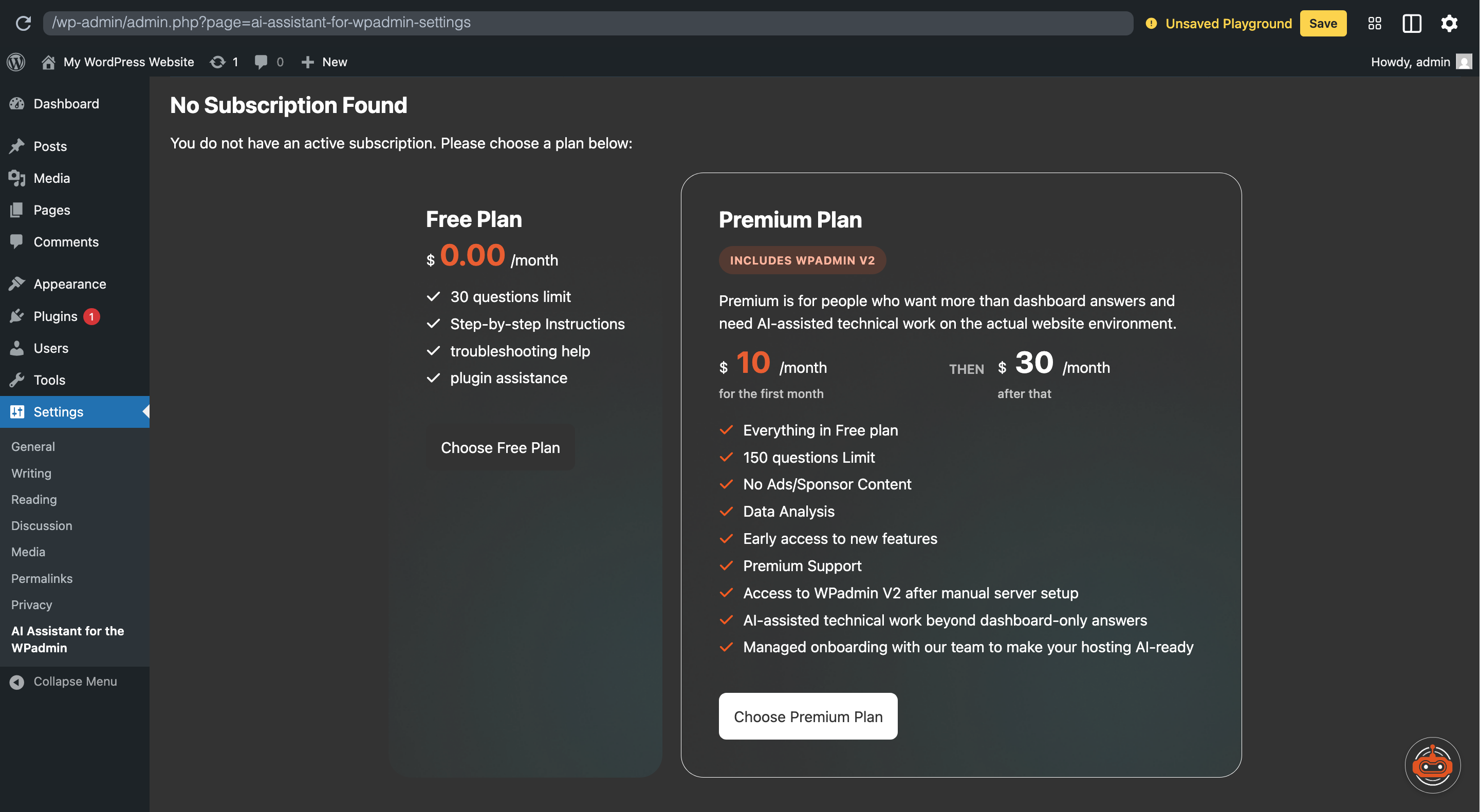
After installing the plugin, you'll be prompted to pick a plan directly inside your WordPress settings. No external accounts, no API key setup, no technical configuration — just choose Free or Premium and you're in.
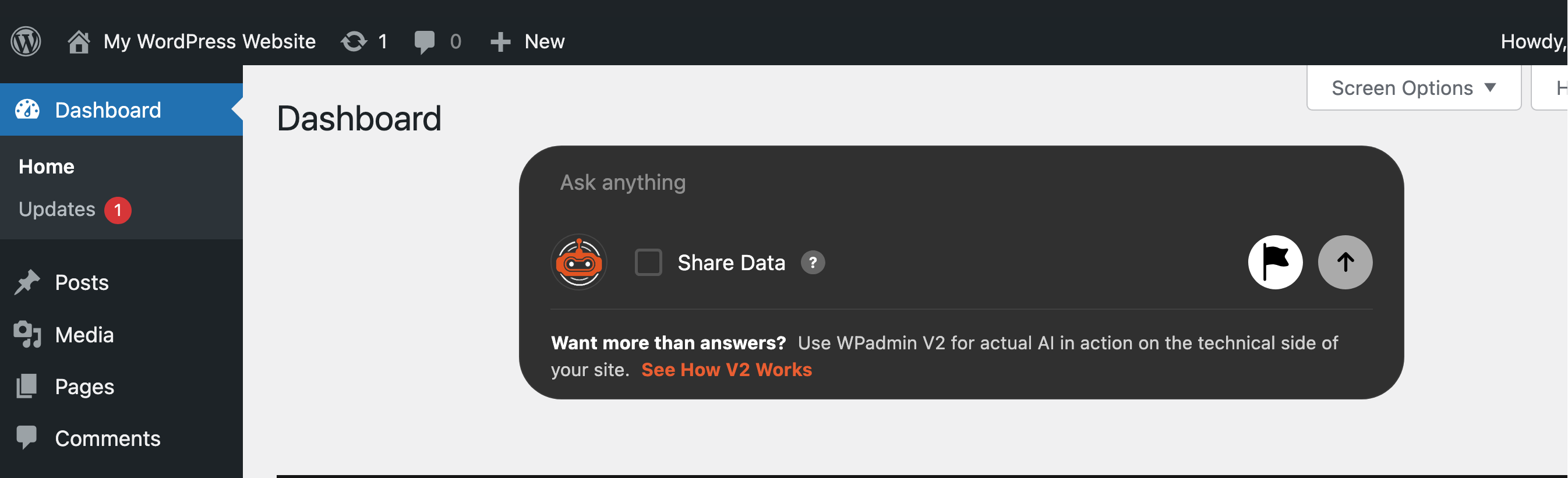
Once active, a small assistant bubble sits on the side of every page in your WordPress dashboard. It's always there when you need it — open it any time you have a question.
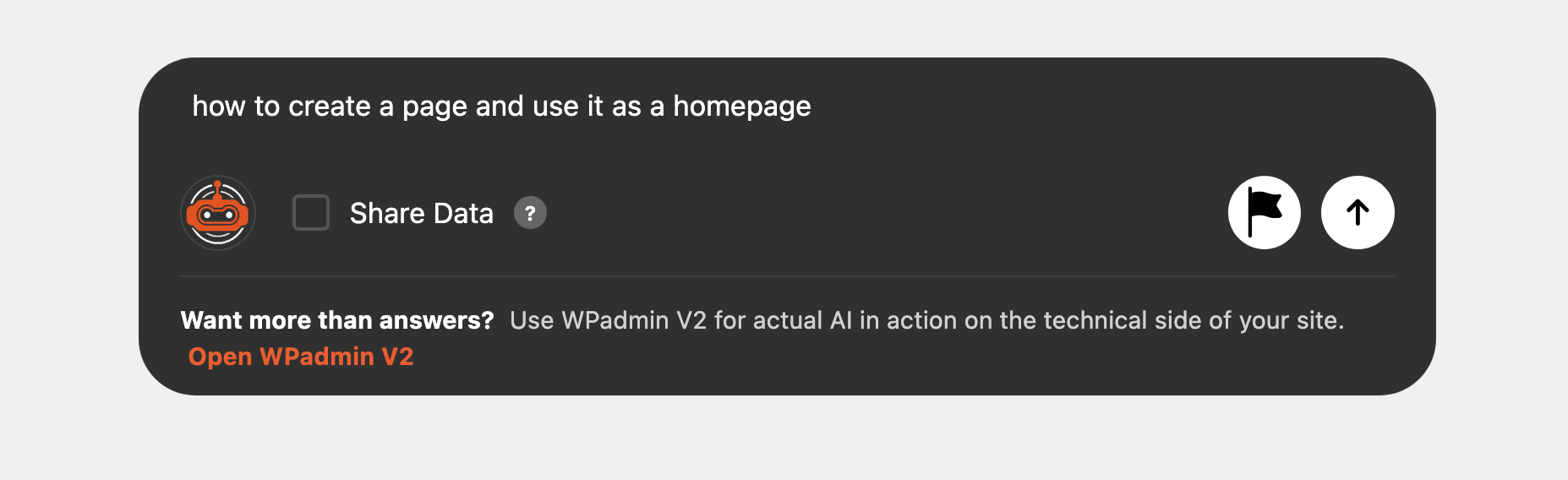
Type your question just like you'd message someone. You don't need to know technical terms or WordPress jargon. Ask in whichever language you're comfortable with and it understands.
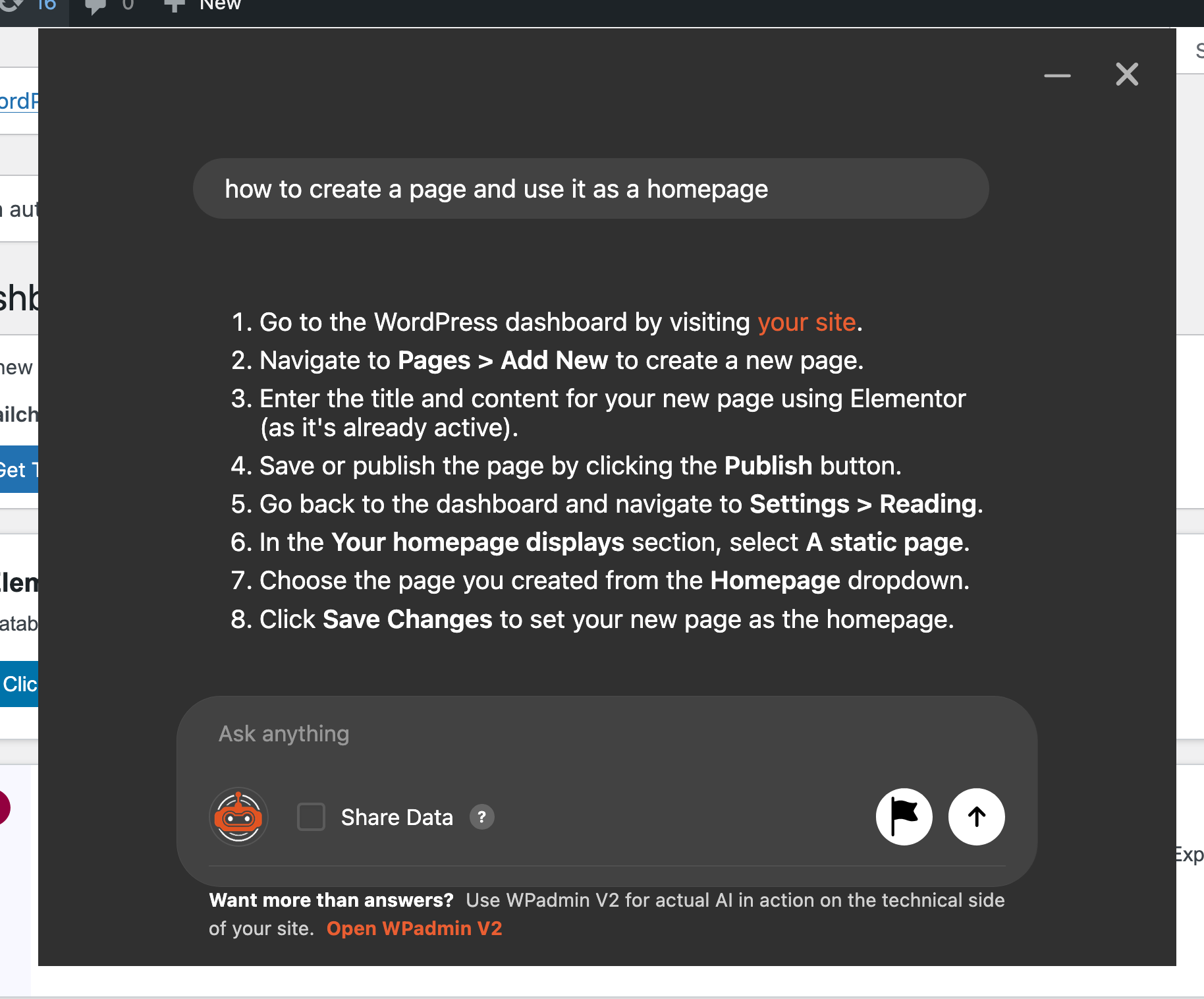
WPadmin.AI gives you a specific, step-by-step response based on your actual site — not generic advice from a forum. Follow the steps yourself, or hand them to anyone helping you.
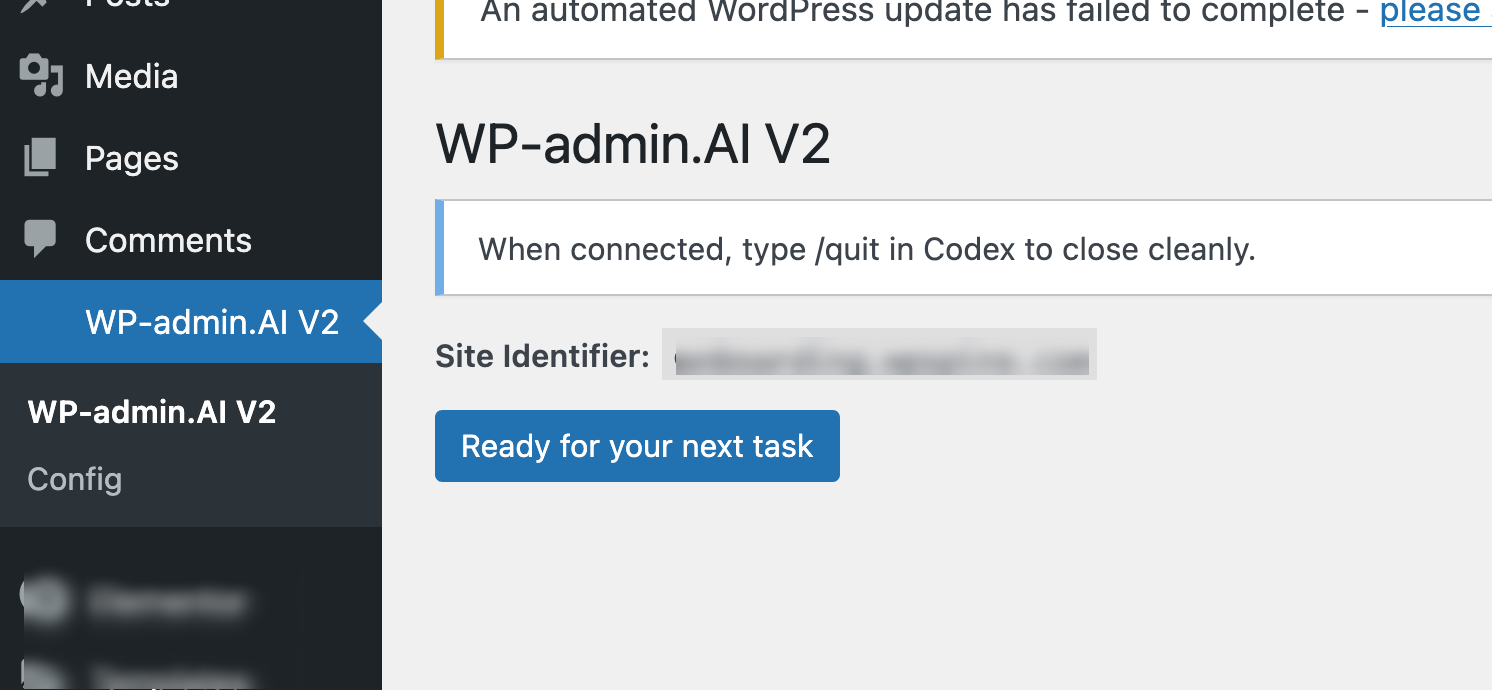
After our team sets up your server environment, a new "WP-admin.AI V2" item appears in your WordPress menu. Click "Ready for your next task" whenever you want something done on your site.
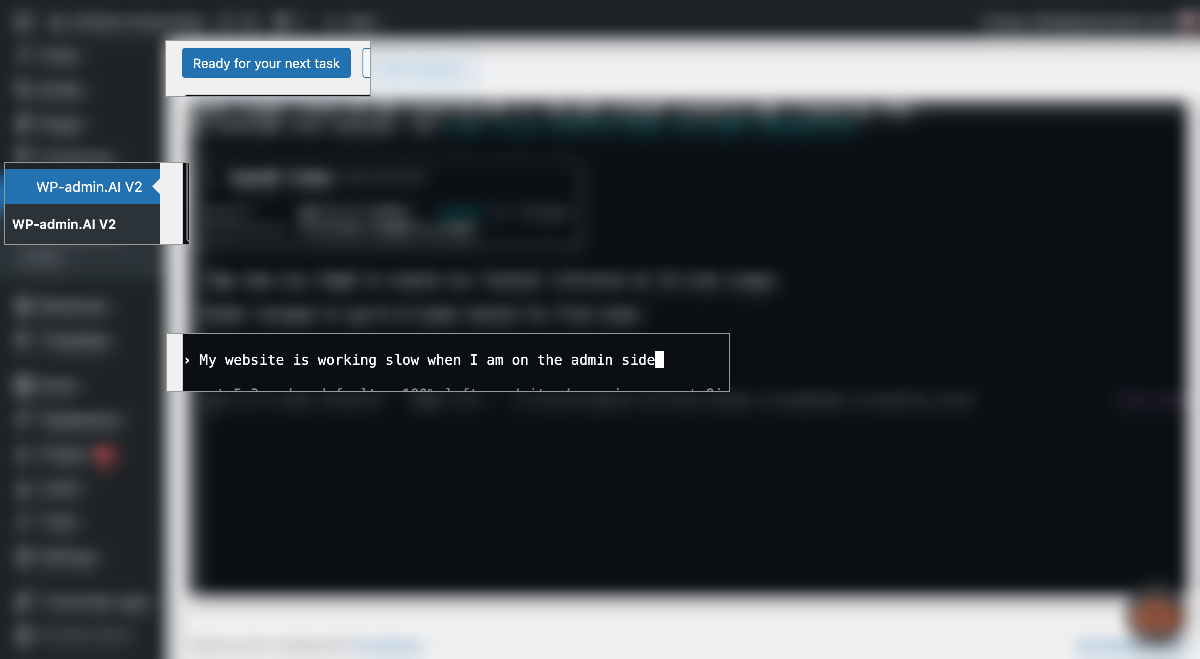
No briefs, no spec documents. Just type what you'd like done, the same way you'd explain it to a developer over a call. WPadmin.AI V2 reads it and gets to work understanding your request.
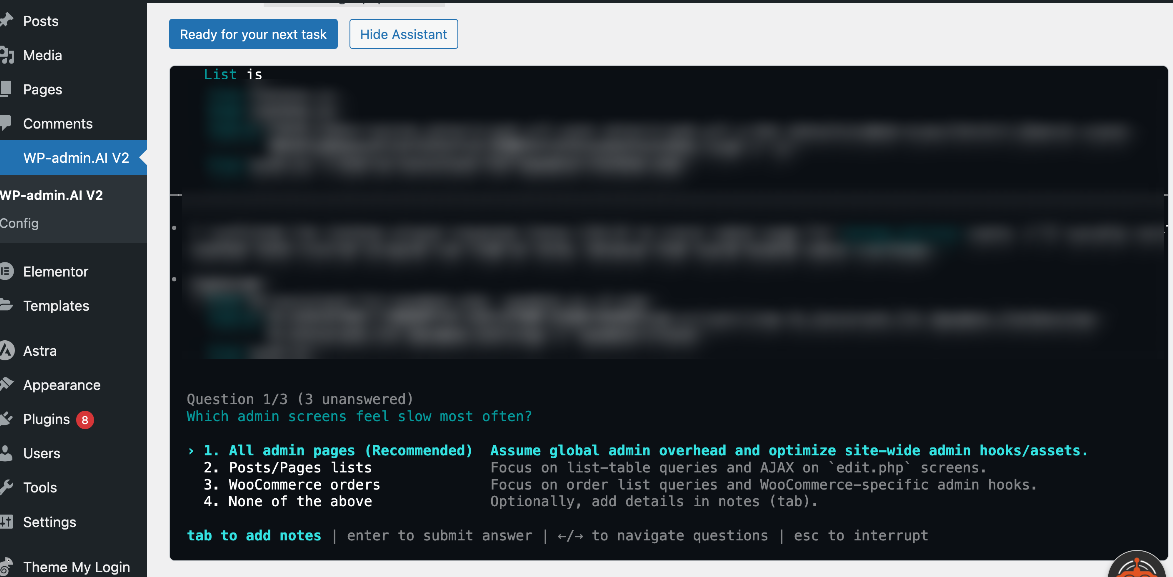
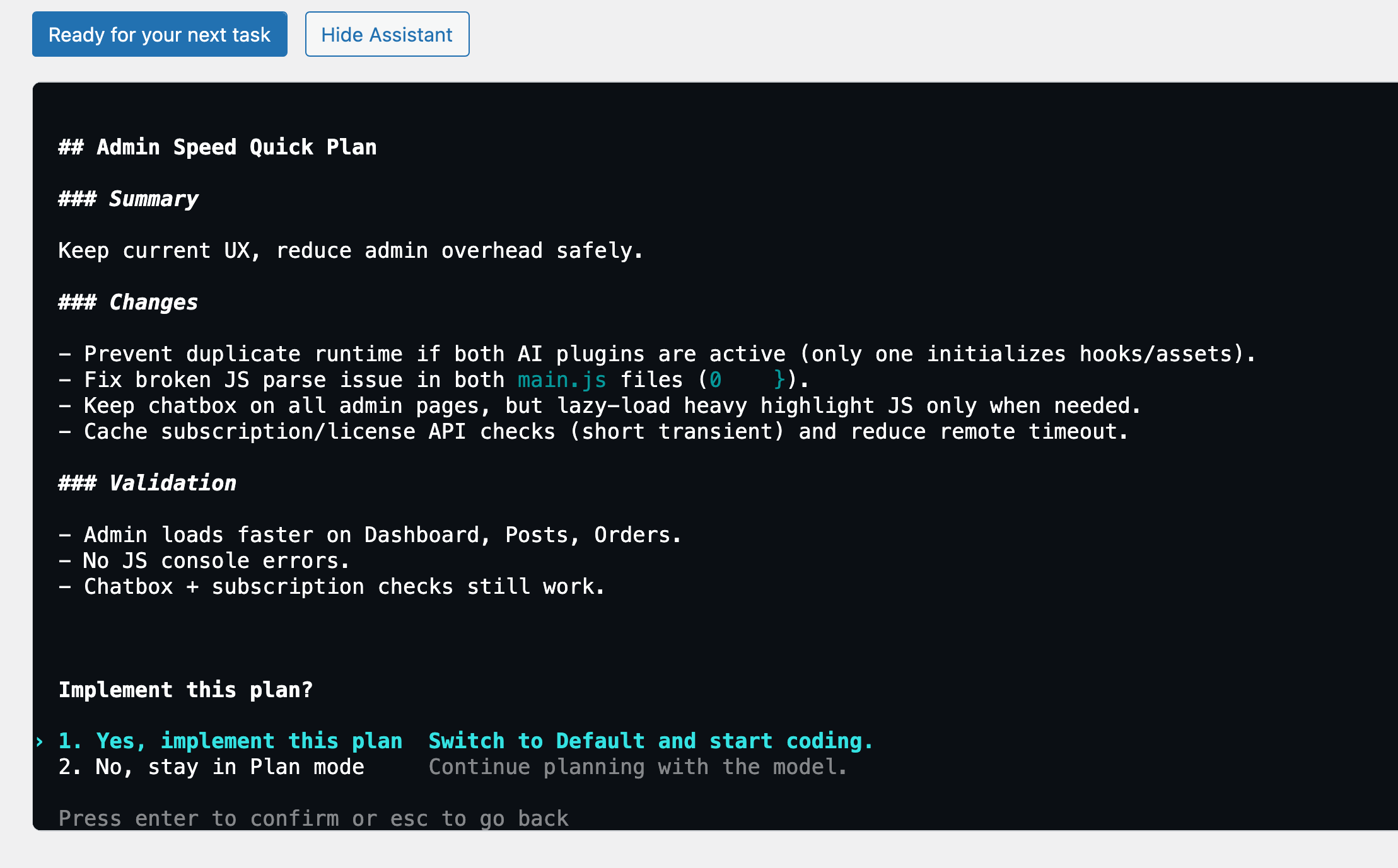
Before touching anything, WPadmin.AI V2 may ask a few clarifying questions — then presents a clear plan of exactly what it intends to do. You review it and decide whether to go ahead.
Once you approve, WPadmin.AI V2 starts working on your site. It tells you exactly what it's doing at each step and asks for your permission before any significant change — you stay in full control throughout.
After finishing, WPadmin.AI V2 gives you a detailed breakdown of every change it made — so you know exactly what happened on your site and can test it yourself before signing off.
If something doesn't look right or needs adjusting, just say so. WPadmin.AI V2 takes your feedback and revises — going back and forth with you until everything is exactly the way you want it.
This is a conversation, not a one-shot task. Keep refining until it's perfect.
Free gets you instant AI Q&A inside WordPress. Premium unlocks everything — including V2 technical workspace after setup.
From solo site owners to agency developers — here's what WPadmin.AI Premium users are saying.
"I used to spend 30 minutes Googling every time a plugin conflict appeared. Now I ask WPadmin.AI and get a step-by-step answer in 10 seconds — specific to my actual site setup."
"The V2 setup took a day but it was worth every minute. Having AI that can actually see my server and fix things — not just tell me what to Google — is genuinely a different product."
"As a non-technical site owner, I always felt intimidated by the WordPress backend. WPadmin.AI made it feel like I had a developer on call — for $10 to start."